
- Questions
- Overview
- Question Options
- Test Information
- Projects
- Subscription
- Get Started
- Sign up for an Account
- Targeted Audiences
- Open Audience
- Our Participants
- Activity
- Attitudinal UX Metrics
- UX Metrics
- Your Participants
- Ready-Made Audiences
- Set Up a Test
- Introduction Message
- Plans
- Prototype Directive
- Lists
- Responses
- Audiences
- Profile Menu
- Select Your Audience
- Payment History
- Observations
- Send a Test
- Advanced Audiences
- Behavioral UX Metrics
- Integrations
- Create Your Test
- Assets
- User Settings
- Screeners
- Collect Answers
- Filters
- Payment Method
- Your Account
- Intercepts
- Add a Test Question
- Organization Settings
- Billing
- Creating Tests
- End of Test
- Data Report
- Comments
- Helio Templates

Create Your Test
To begin adding content to your survey, you can choose from one of five options. If you start by adding an asset or website link, you will be guided towards adding questions to complete your survey.
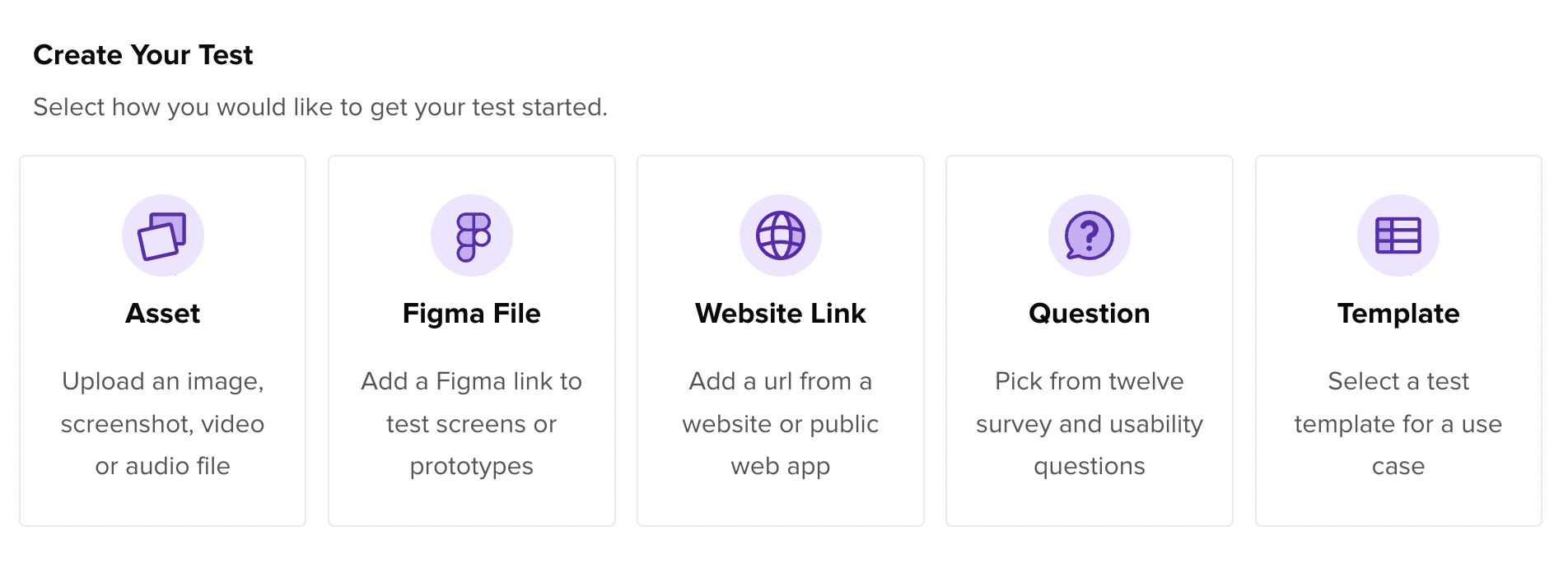
- Assets: See what you can do with individual images in our Assets Help Center article.
- Figma File: link your Figma account and quickly pull in designs and prototypes for testing.
- Website link: provide a link for participants to navigate to in order to get their feedback on your site.
- Question: Choose from one of our 12 question types if you already know what you want to ask.
- Template: explore our selection of over 50 pre-set surveys, with questions types and examples provided.